If You Want to Get Phished Use Microsoft

Quick Answer
Microsoft is the most-impersonated brand in phishing, and Office 365 mailboxes receive a disproportionate share of phishing attempts. The Avanan 2019 Global Phish Report found that 30% of phishing emails sent to Office 365 mailboxes were delivered to the inbox by Exchange Online Protection (EOP), and Microsoft's own 2018 data showed Office 365 phishing rose 250% year over year. The main bypass technique is URL obfuscation through link shorteners, lookalike domains, and redirect chains that EOP fails to flag. Protection that works regardless of mail provider: real-time link-click protection (cloud-based interception that loads the page on a server, inspects it, and blocks if malicious before the user sees it), so the URL's appearance at delivery time does not matter.
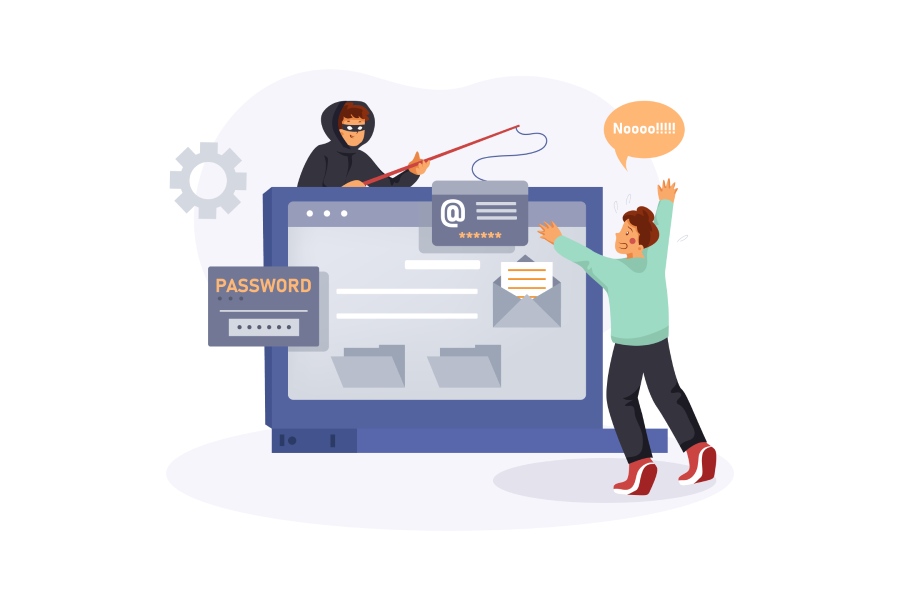
If you subscribe to the notion that hackers go where the users are, it’s not surprising that Microsoft Remains the #1 Impersonated Brand in Phishing Attacks. Others making up the top five include PayPal, Netflix, Facebook and Bank of America, which confirms the theory.
The real problem with Microsoft though isn’t how often they get targeted by phishing emails. The real problem is how many get through. According to Avanan’s 2019 Global Phish Report, “30% of phishing emails sent to organizations using Office 365 Exchange Online Protection (EOP) were delivered to the inbox.” EOP is a “hosted email security service, owned by Microsoft, that filters spam and removes computer viruses from e-mail messages.”
“Microsoft’s own research estimates that Office 365 phishing increased 250% from Jan – Dec 2018.” Apparently EOP isn’t very good at doing its job when you consider letting just one email through can be enough to infect an entire company. The real problem is something called URL obfuscation.
According to Techopedia, “An obfuscated URL is a web address that has been obscured or concealed and has been made to imitate the original URL of a legitimate website. It is done to make users access a spoof website rather than the intended destination.”
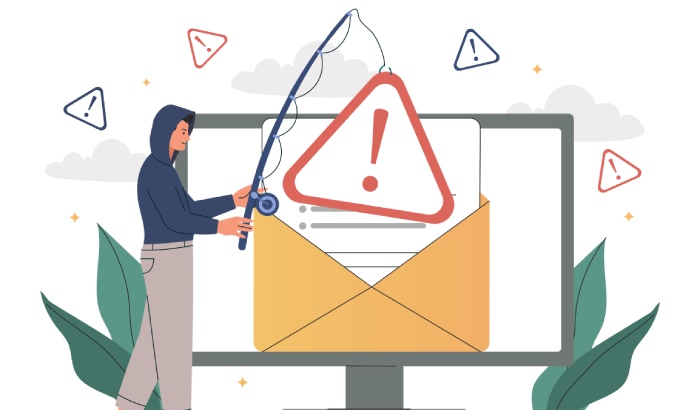
From the Global Phish Report, “Obfuscation methods are the most advanced phishing attacks, leveraging specific vulnerabilities in Office 365 security layers. Hackers obfuscate the URL, making it unrecognizable to Office 365 security, which fails to blacklist the malicious content. With this strategy, hackers can use URLs that are even known to be malicious, because Microsoft won’t recognize the format of the URL.”
There are actually three ways to enact URL obfuscation:
- link shorteners,
- URL lookalikes and
- URL redirects.
It’s hard to imagine that users will be keen to spot all of these, and if Microsoft can’t stop them, that leaves users pretty vulnerable.
What users need to protect themselves, regardless of whether their email service is Office 365, Google’s G-Suite or something else, is email security with real-time link click protection. Real-time link click protection doesn’t care if the URL is obfuscated or not because it waits until after the link is clicked to see if it’s malicious.
For real-time link click protection to work though, it must be deployed in the cloud, where it sits between the user and potentially malicious sites. That way, if a user does click on a link leading to a malicious site, the page gets loaded not on the user’s computer, but on a server in the cloud where it gets examined. If it’s found to be malicious, it gets blocked and the user never sees it. A set up like that would certainly protect the hundreds of thousands of Office 365 users who received a phishing email in their inbox.
If you use Office 365 or G-Suite for your email, you’ll want to consider augmenting their native security with cloud-based email security with real-time link click protection.
General Manager
General Manager at DuoCircle. Product strategy and commercial lead across the email security portfolio.
Secure your email infrastructure
Protect, authenticate, and deliver. Contact our team to find the right solution.