Microsoft’s Per Day Limit on Exchange Online Bulk Emails to Minimize Spam Instances

Quick Answer
Starting January 1, 2025, Microsoft Exchange Online enforces a 2,000 external recipients per 24 hours limit per cloud-hosted mailbox (the overall recipient rate limit stays at 10,000 per day). Phase one applies to all new tenants on January 1, 2025; phase two extends the cap to all existing cloud-hosted mailboxes between July and December 2025. The limit is sliding-window: send to 1,000 external at 6 AM and 1,000 more at 8 AM and you are blocked from external sends until 6 AM the next day, when the first batch ages out. Exchange Online was never engineered for bulk; for higher volumes Microsoft directs customers to Azure Communication Services or a dedicated outbound SMTP provider with proper SPF, DKIM, and DMARC alignment for the sending domain. Plan migration of newsletter, transactional, and notification flows off Exchange Online before tenant cutover.
Microsoft’s Per Day Limit on Exchange Online Bulk Emails to Minimize Spam Instances
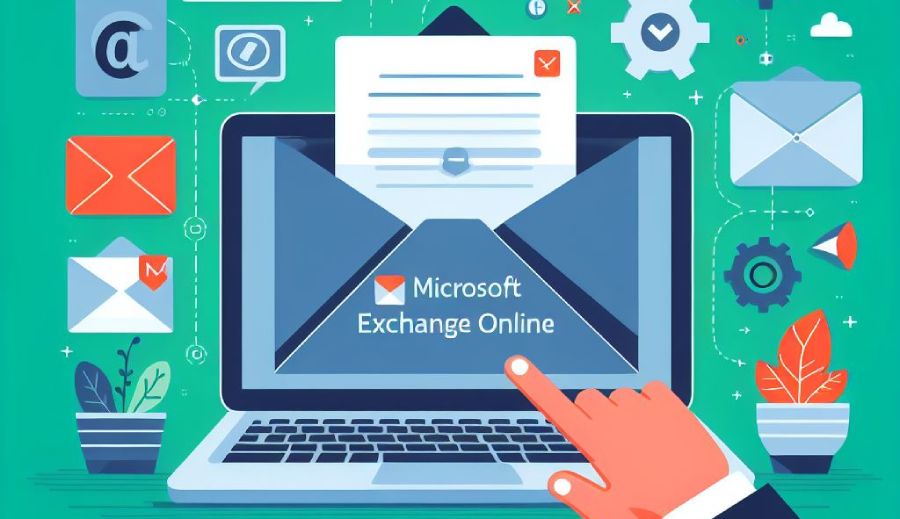
From January 1, 2025, all Microsoft Exchange Online users will be subjected to a daily limit of 2,000 external recipients per 24 hours. The reason for implementing this limit is to stop overburdening the resources involved in the process. Microsoft Exchange Online was never designed to send bulk emails, and that’s why the resources are not capable of handling high-volume email traffic.

This limitation will progress in two phases. The first phase (January 1, 2025) will affect the cloud-hosted mailboxes of all the new tenants. In the second phase (July to December 2025), the limit will be extended to all existing cloud-hosted mailboxes.
The Recipient Rate Limit
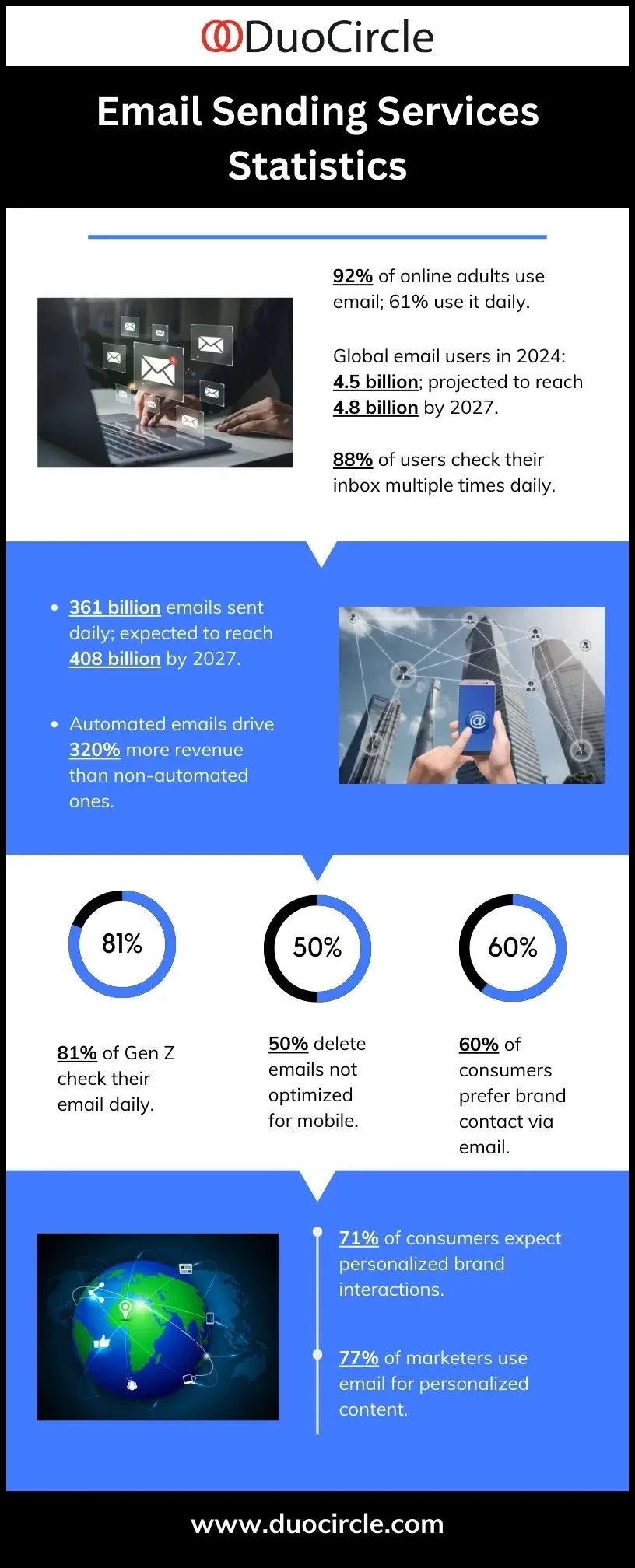
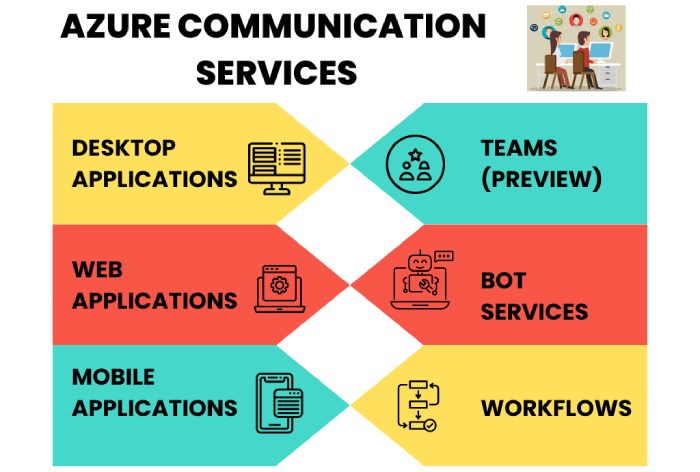
The daily limit for recipients remains at 10,000, which means users can send emails to up to 10,000 recipients within 24 hours. However, the limit for external recipients is 2,000. If you want to send more emails than the implemented limit, then Microsoft recommends switching to Azure Communication Services, which is a high-volume emailing platform and accommodates millions of emails per month. Moreover, it’s specially tailored to meet the needs of bulk communication setups.
In April 2024, the Department of Homeland Security (DHS) released a report revealing a significant data breach by Microsoft. This breach resulted in a cyberattack on its Exchange Online platform in July 2023. The Cyber Safety Review Board (CSRB) prepared the report, identifying weaknesses in Microsoft’s security practices and offering recommendations for the company and the cloud service industry as a whole.
Understanding the Recipient Rate Limit With Example
You send emails from a cloud-hosted mailbox to 1,000 external recipients and 2,000 internal recipients at 6:00 AM on Day 1, totaling 3,000 recipients. Later, at 8:00 AM on Day 1, you send to another 1,000 external recipients. This exceeds the limit for external recipients, so you’re blocked from sending to them until 6:00 AM on Day 2.
During this period, you can still send to up to 6,000 internal recipients, but let’s assume you don’t. At 6:00 AM on Day 2, the recipients sent at 6:00 AM on Day 1 no longer count toward the limit. Thus, from 6:00-8:00 AM on Day 2, you can send to up to 9,000 total recipients (e.g., 9,000 internal or 8,000 internal plus 1,000 external). If you don’t send to any recipients during this period, then at 8:00 AM on Day 2, you can again send to 10,000 recipients total, with up to 2,000 of them being external recipients.
Final Words
The reaction to this update is mixed. While some Microsoft Exchange Online users are calling it a ‘big change,’ others are not sure if the limit applies to them. People are also showing concern regarding legitimate interaction scenarios that are likely to result in breaching the limit, highlighting the importance of email security.
More updates are expected from Microsoft; till then, indulge in safe emailing, and stay tuned to DuoCircle.com.
Topics
General Manager
General Manager at DuoCircle. Product strategy and commercial lead across the email security portfolio.
Secure your email infrastructure
Protect, authenticate, and deliver. Contact our team to find the right solution.