Microsoft Office 365: A Phishing Attack Waiting to Happen

Quick Answer
Office 365's native phishing protection misses enough attacks to leave most tenants exposed. A two-year Mimecast Email Security Risk Assessment found Office 365 let through more than 33,000 impersonation attacks plus malicious attachments. Recorded Future's analysis of 2018 exploit data put eight of the top ten most-exploited vulnerabilities as Office bugs, driven by phishing campaigns using rigged Word and Excel attachments. The NoRelationship attack bypasses Office 365's URL filters by embedding a malicious link inside a .docx attachment that points to a credential-harvesting page. Treat Office 365 as having no phishing protection by default and add a layer that re-scans every URL on click against multiple reputation databases. Cloud-based phishing protection deploys in about 10 minutes on top of the Microsoft 365 tenant.
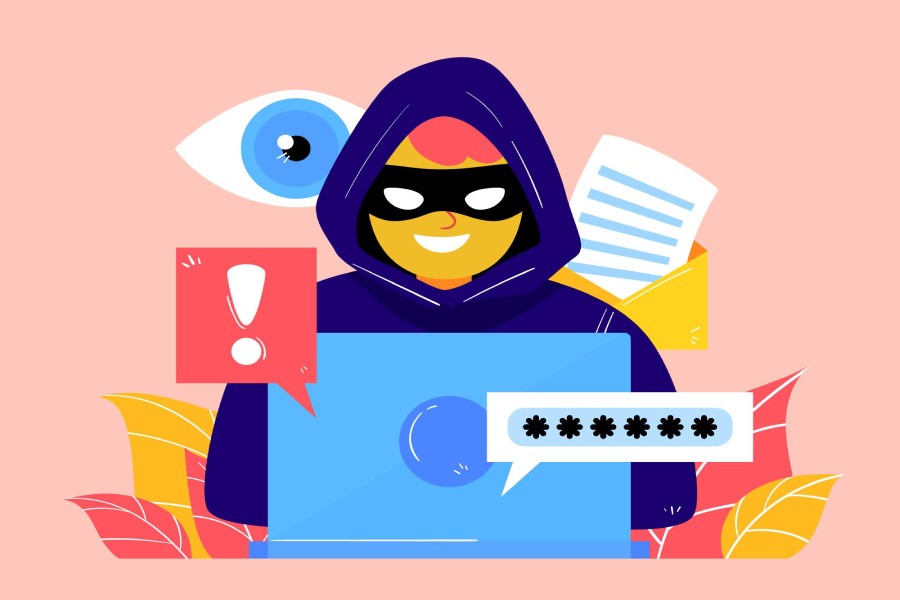
There are a lot of benefits to using Microsoft Office 365. It contains business tools with which you’re already familiar. It’s easy to set up and offers anytime, anywhere access.
You’ll see many of these features and benefits promoted on the Office 365 website. Won’t you want to see there among the list though is that using Office 365 makes you extremely vulnerable to a phishing attack. Why is that?
There are two factors that conspire to make Office 365 users vulnerable to a phishing attack. The first is Office 365 itself. It’s really popular, and that makes it a big, juicy target for hackers. The other factor is that the phishing protection native to Office 365 just isn’t good enough.
The recent Mimecast Email Security Risk Assessment (ESRA) aggregate report collected email data over two years specifically with Microsoft Office 365. What they found is that Office 365 “misses a variety of ‘bad’ emails.” Specifically, Office 365 let in more than 33,000 impersonation attacks, as well as unwanted, potentially dangerous or malicious file attachments.
These findings were confirmed in a new study by Recorded Future. According to the study, “Eight of the top 10 most exploited vulnerabilities in 2018 were Office bugs.”
“It should come as no surprise that cybercriminals favored Microsoft Office vulnerabilities in their cyber attacks last year, given the rise in phishing attacks that included rigged Word and Excel Office file attachments.”

Email Protection Security from Spam virus. Internet network, Secure data email, Security protection notification on internet letter security protect, junk and trash mail and compromised information
Now, according to an article on Credit Union Times, there’s a new Office 365 exploit. Called a NoRelationship attack, it bypasses Office 365 email attachment security which scans Office documents like Word (.docx), Excel (.xlsx), and PowerPoint (.pptx). “The attack emails include a .docx attachment containing a malicious link that leads to a credential harvesting login page.”
If you’re using Office 365 and you think you’re security worries are over, they’re just beginning. When using Office 365, it’s best to assume that you have no phishing protection and act accordingly. Fortunately, it’s easy and inexpensive to add cloud-based email security to Office 365. It comes with real-time link click protection, so even if a malicious email gets into your Office 365 inbox, you’re still protected.
Don’t be lulled into a false sense of security. Add email security to Office 365 and make all what those hackers do a waste of time.
General Manager
General Manager at DuoCircle. Product strategy and commercial lead across the email security portfolio.
Secure your email infrastructure
Protect, authenticate, and deliver. Contact our team to find the right solution.