Two New Phishing Exploits Threaten Microsoft Users

Quick Answer
Two phishing techniques targeting Microsoft customers bypass traditional defenses. The first delivers an HTML attachment that, when opened, renders a fake Microsoft login page as a popup directly inside the email client. Because the credential-harvesting form is embedded in the attachment rather than hosted on a remote server, URL-based filters and reputation lookups never trigger. The second uses a malicious Office 365 add-in. The lure impersonates a SharePoint or OneDrive file share; clicking the link prompts the user to install an add-in that grants the attacker full OAuth access to the victim's mailbox, contacts, and OneDrive files, no password required. Microsoft allows side-loaded add-ins to bypass the Office Store review, so defenders need to restrict add-in installation by policy and monitor consented OAuth grants.
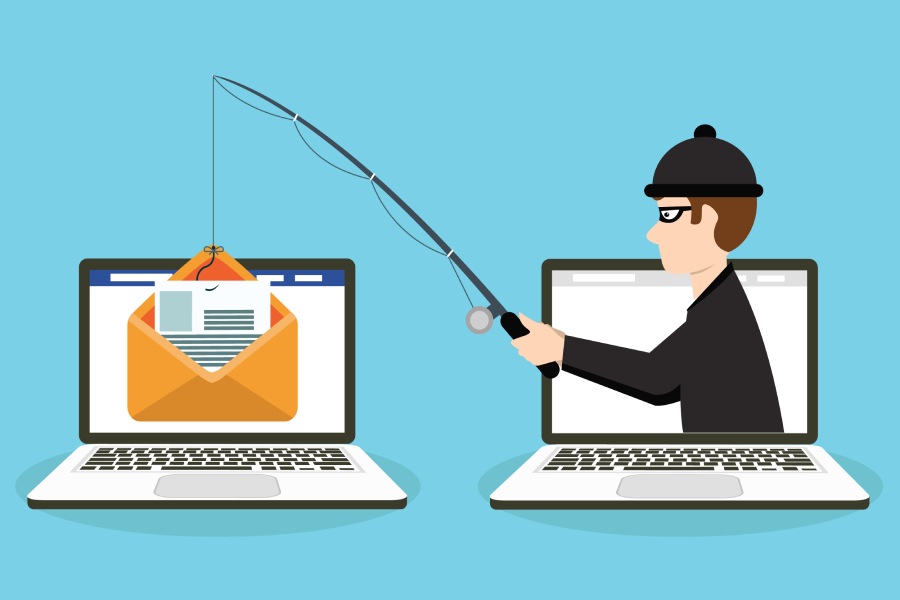
Microsoft is a big target for hackers, and it seems that they have recently come up with two new and novel phishing attack methods to go after the company’s customers. And the thing that makes these phishing tactics so scary, is that they bypass traditional security measures.
The first of these phishing attacks, reported by Latest Hacking News, uses a local login form to bypass security. The attack starts with “an email notifying users about a ‘copy of payment notification’.” The email doesn’t say much, but does contain an HTML attachment.
The HTML attachment is what makes this phishing attack unique. “Unlike most HTML code in phishing attacks that redirect users to phishing websites, the one in this attack behaved differently. Opening the attachment displayed a login page as a pop-up.”
The login page looks like a Microsoft page, but of course it’s not. It’s a phishing page designed to steal credentials. And what make is so hard to detect is the page is actually embedded right in the email and not on some malicious server somewhere. This is a really clever phishing exploit and one that is hard to detect.
The other phishing attack, reported by PhishLabs, “uses a malicious Microsoft Office 365 App to gain access to a victim’s account without requiring them to give up their credentials to the attackers.” Talk about hard to detect.
As detailed by PhishLabs, “In this technique, the attacker sends a traditional phishing message impersonating an internal SharePoint and OneDrive file-share that uses social engineering to coerce the victim into clicking an embedded link. The lure itself is nothing special. The threat actor uses the credibility of a commonly seen business process, which disarms the victim.”
So, what’s so clever about this exploit? It takes advantage of the fact that Office 365 allows add-ins and apps to be installed to ostensibly increase the utility of the various Office 365 applications. This particular exploit is nothing more than presenting the user with an opportunity to install an Office 365 add-in. An add-in that “grants full control of your Office 365 account to the attacker. This is everything from granting access to your inbox, your contacts, and any files you have access to on OneDrive.”
What makes it even worse is that “Microsoft allows Office 365 Add-Ins and Apps to be installed via side loading without going through the Office Store, and thereby avoiding any review process. This means that a threat actor can deliver a malicious app from the infrastructure that they control to any user that clicks a URL and approves the requested permissions. In this case, the result is complete control over your Office 365 Account.”
If you use Office 365, like many people do, whether you know it or not, you are under constant attack from very clever hackers exploiting all the weaknesses in the Microsoft ecosystem. You simply cannot protect yourself from every possible Microsoft exploit. You’re going to need some help.
Meet some help
Phishing Protection from DuoCircle.com. It protects you from all the advanced phishing attacks on Office 365, including the two newest ones covered here, by using real-time link click protection. With real-time link click protection, every time you click on an embedded link or open an attachment, before the action can be completed, Phishing Protection makes sure it’s legitimate. And if it isn’t, it blocks it and keeps you safe.
Cloud-based Phishing Protection doesn’t require any hardware, software or maintenance. It sets up in 10 minutes, comes with 24/7 live tech support and only costs pennies per user per month. The Office 365 attacks are not going to stop. Only you can protect yourself. Protect yourself with Phishing Protection from DuoCircle.
General Manager
General Manager at DuoCircle. Product strategy and commercial lead across the email security portfolio.
Secure your email infrastructure
Protect, authenticate, and deliver. Contact our team to find the right solution.