DMARC best practices: Simple steps to protect your domain from email fraud

Quick Answer
DMARC best practices are: start at p=none to monitor without affecting delivery, use that period to discover every legitimate sender (CRMs, marketing platforms, payroll, ticketing), then move to p=quarantine after two to three weeks once authorized senders are passing SPF or DKIM, and finally to p=reject. Read aggregate reports regularly; they arrive as XML and need a parser to be useful. Confirm SPF and DKIM alignment for every sending service: the domain in From has to match the SPF Return-Path or the DKIM d= value. Update DNS as the sender list changes. Skipping the phased rollout is the most common reason organizations break their own legitimate mail and roll back to p=none.
DMARC best practices: Simple steps to protect your domain from email fraud
DMARC adoption is on the rise, especially since Google and Yahoo made it mandatory for bulk users. However, it is also true that many domain owners have not figured it out correctly because they don’t follow the best practices associated with it.
DMARC is a complex and sensitive protocol that needs regular attention; otherwise, you won’t get the full benefits and might even face compliance issues.
Here are the top DMARC best practices that every domain owner should follow.
Start with p=none
When you are in the initial phase of DMARC implementation, it’s important that you don’t jump straight into blocking suspicious emails.
It’s recommended that you start with p=none, which is the default monitoring policy, so that you gain deep visibility into who is sending emails from your domain.

This policy doesn’t block or quarantine potentially fraudulent emails; instead, it acts as a safety net, allowing you to watch your emails without disrupting the communication flow. Basically, the ‘none’ mode helps you confirm which legitimate services are sending emails on your behalf, such as CRMs, marketing platforms, or payroll systems including paystub services that handle employee records.. It also helps uncover forgotten or outdated mail servers still in use.
Analyze DMARC reports regularly
Once the p=none policy is applied, the real value comes from the DMARC aggregate reports you receive (not that these reports are not important when you apply the reject or quarantine policy). These reports reveal which servers are sending emails on behalf of your domain, helping you distinguish between trusted sources and unauthorized ones.
If you regularly receive and analyze the DMARC reports, you won’t miss the red flags indicating suspicious emails.
Please note that since these reports are in XML format, you will need to use tools that translate the data into easy-to-understand dashboards.
Gradually move to p=quarantine, then p=reject
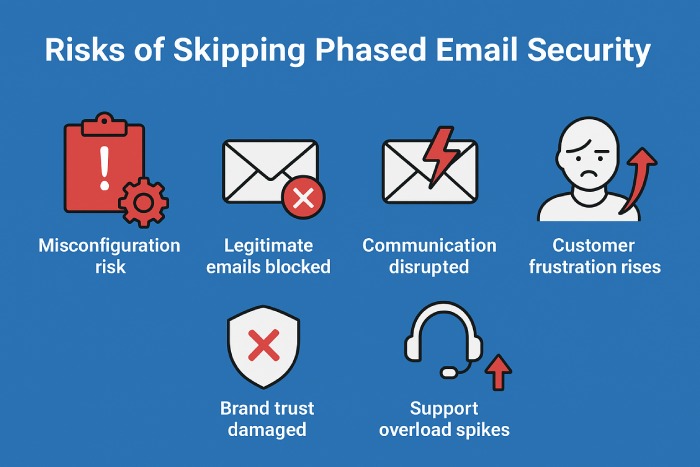
Don’t apply the reject policy right from the beginning; it can backfire by blocking legitimate emails if something is misconfigured. Instead, adopt a phased approach.
After setting the monitoring mode for around 2-3 weeks, switch to the quarantine mode so that you can instruct the receiving mail servers to place suspicious emails in the spam folder. This step gives you time to confirm that only bad traffic is being caught. Once you’re confident everything is aligned, move to “reject” for maximum email security and protection. This gradual enforcement strategy balances security with continuity, ensuring you keep communication smooth while steadily shutting down spoofers and fraudsters.
Align SPF and DKIM with DMARC
DMARC works best when it’s paired with both SPF and DKIM. Alignment means the domain used in SPF and DKIM checks matches the domain in the ‘From’ address that users see. Without this, even legitimate emails can fail authentication.
Let’s say your marketing tool sends emails using its own domain and not yours, then the alignment will break. To avoid this kind of disruption, configure all authorized sending services to sign messages with your domain.
It’s also important that you regularly update DNS records as new tools are adopted. Having DMARC alignment ensures you have a solid foundation for blocking email abuse.
Topics
General Manager
General Manager at DuoCircle. Product strategy and commercial lead across the email security portfolio.
Secure your email infrastructure
Protect, authenticate, and deliver. Contact our team to find the right solution.